Hey fellow gamers! Ever felt that frustrating lag or discomfort creeping in right when you needed to clutch that round in your favorite FPS? Trust me, I’ve been there.
It’s super easy to point fingers at the internet or blame your teammates, but what if I told you that your desk setup might actually be your silent saboteur, or even better, your ultimate secret weapon?
For years, I’ve personally tweaked, tested, and sometimes even swore at my own gaming space, all in pursuit of that perfectly fluid, comfortable, and ultimately winning experience.
From agonizing over the precise monitor height to finding that sweet spot for mousepad real estate, every single detail matters more than you might think.
Today’s gaming isn’t just about raw skill anymore; it’s about consciously creating an environment that genuinely elevates your play, keeps you comfortable through those marathon sessions, and let’s be honest, just looks incredibly cool while you’re at it.
We’re talking about so much more than just a place to put your PC; we’re diving deep into crafting a personalized command center, meticulously optimized for peak performance and ultimate immersion.
With the explosive rise of competitive gaming and those endless streaming sessions we all love, having a setup that genuinely supports your lightning-fast reflexes and drastically reduces fatigue is no longer a luxury – it’s become an absolute necessity.
I’ve seen firsthand how just a few smart adjustments can literally transform your game, giving you that crucial edge you’ve been chasing. Ready to stop just playing and truly start dominating?
Let’s uncover the exact strategies to completely level up your gaming sanctuary.
The Ergonomic Edge: Unlocking Your True Potential
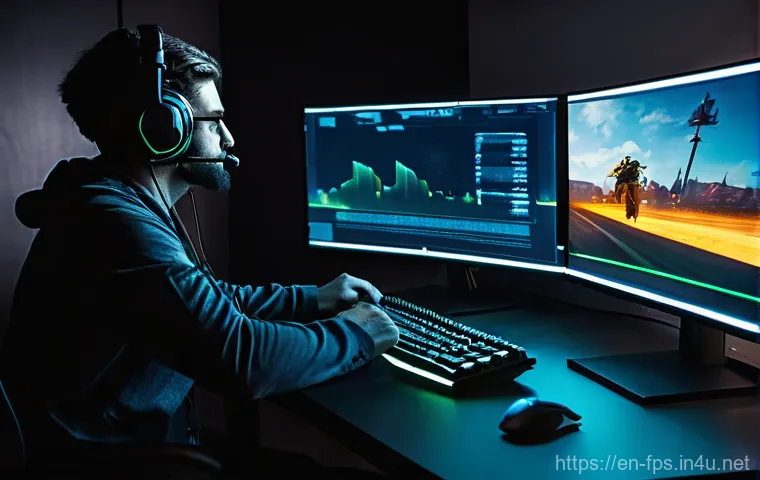
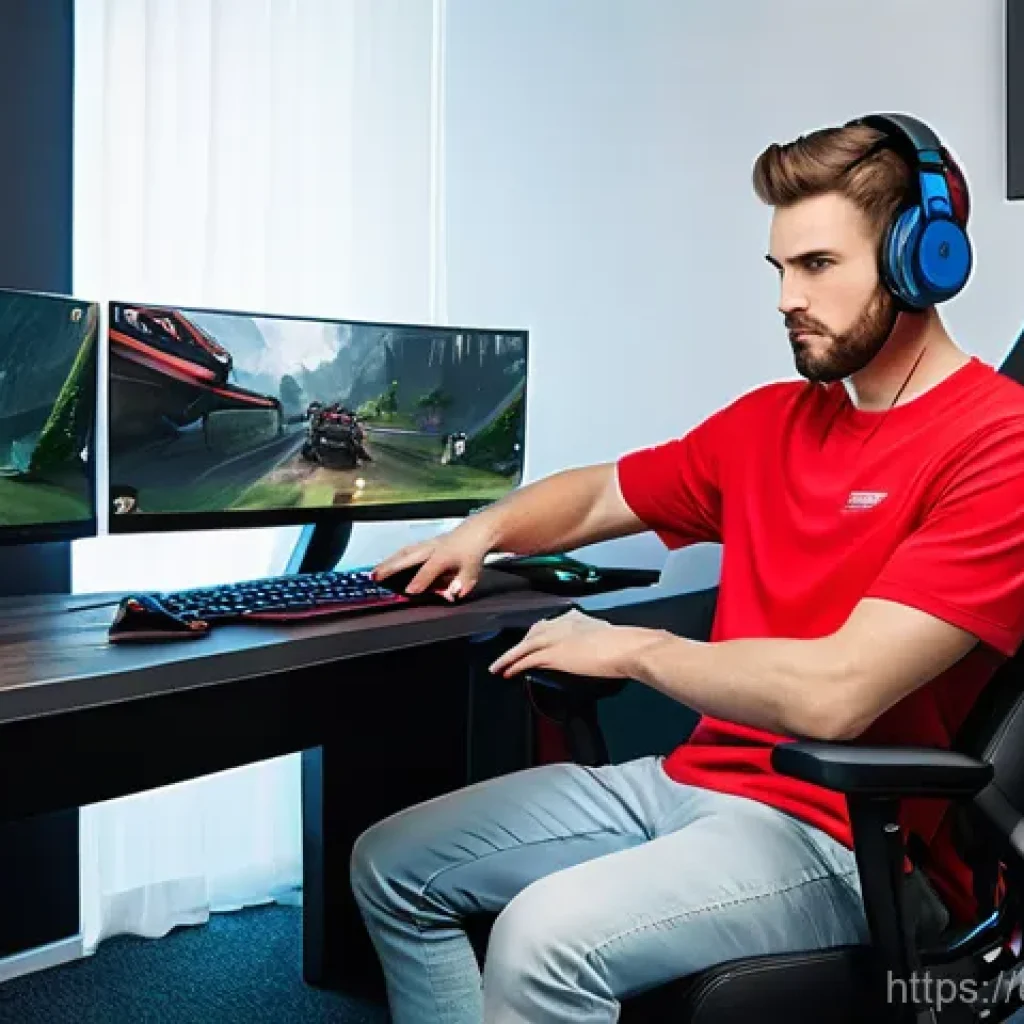
When I first started taking FPS games seriously, I honestly thought ergonomics was just some fancy word for office workers. Boy, was I wrong! I used to slouch, my wrist would ache, and my shoulders would feel like rocks after just a couple of hours in Valorant.
It wasn’t until I started getting serious about my physical comfort that I saw a real improvement in my consistency and endurance. Trust me, if you’re not thinking about how your body is positioned, you’re leaving so much performance on the table.
It’s not just about avoiding pain, it’s about freeing your body to react faster and more precisely. I’ve personally experimented with countless chairs, desk heights, and accessories, and I’ve realized that a comfortable body is a responsive body.
Forget those viral clips of gamers contorting themselves; true pros understand that sustainable comfort is key to long-term success. You want to be able to effortlessly snap to targets without feeling like you’re fighting your own setup.
This isn’t just about preventing injuries; it’s about optimizing every single muscle fiber for peak performance. Think of it as tuning your own biological machine – if something’s off, your output suffers.
I genuinely believe that investing in your ergonomic setup is an investment in your K/D ratio and, more importantly, your overall enjoyment of the game.
Dialing in Your Chair and Desk Height
This is where it all begins, folks. Your chair isn’t just a place to sit; it’s your command throne. I spent years on a cheap office chair, wondering why my back always felt like it had run a marathon.
The moment I upgraded to a proper ergonomic gaming chair, it was a revelation. But even with a great chair, it’s all about adjustment. Your feet should be flat on the floor, or comfortably on a footrest, with your knees at a roughly 90-degree angle.
Your desk height should then allow your elbows to be at a 90-to-100-degree angle when your hands are on your keyboard and mouse. I remember spending a whole afternoon meticulously adjusting my chair, then my standing desk, until everything felt *just right*.
It might seem tedious, but that perfect alignment reduces strain significantly, allowing you to play longer and stay focused without those nagging discomforts pulling you out of the action.
It’s about finding that sweet spot where your entire upper body feels relaxed yet ready.
Wrist and Forearm Support: The Unsung Heroes
Seriously, don’t underestimate these. For years, I just let my wrist float or rest uncomfortably on the edge of my desk, leading to that dreaded “gamer’s wrist” ache.
Adding a good quality wrist rest for both my mouse and keyboard made a phenomenal difference. It’s not just about comfort; it’s about maintaining a neutral wrist position, which is crucial for precise aim in FPS games.
When your wrist is strained, your micro-adjustments become jerky, and your overall control suffers. I even started using a larger mousepad that extends far enough to support my entire forearm, allowing for larger, more fluid mouse movements from the shoulder rather than just the wrist.
This shift was a game-changer for my aim in games like CS:GO and Apex Legends. Keeping your forearms supported reduces the tension that can travel up to your shoulders and neck, letting you maintain that laser-like focus during intense clutch situations.
Monitor Mastery: Seeing Every Split-Second Advantage
If there’s one piece of hardware that truly impacts your ability to react and perceive the game world, it’s your monitor. I mean, what’s the point of having lightning-fast reflexes if you can’t even see the enemy peek before they shoot?
I remember upgrading from a basic 60Hz display to a 144Hz monitor for the first time, and it felt like I’d taken off a pair of blurry glasses. The fluidity was astounding, and suddenly, tracking fast-moving targets in Overwatch became so much easier.
But it’s not just about the specs; it’s about how you position that glorious screen. My journey involved a lot of trial and error, moving my monitor around like it was a sacred relic until I found that sweet spot where my eyes felt comfortable and my reaction time felt optimized.
This really isn’t something you can just set and forget; it requires a bit of personal fine-tuning to get it just right for your unique viewing habits and reaction patterns.
You want to feel completely immersed, with the display acting as a natural extension of your vision, not something you have to strain to see.
Optimal Monitor Placement and Angle
Finding the perfect monitor position is crucial for reducing eye strain and maximizing your visual field. My rule of thumb, which I’ve found works wonders, is to place the top of your monitor screen at or slightly below eye level.
This prevents you from craning your neck up or down, which can lead to fatigue. The distance from your eyes is also super important; generally, an arm’s length away is a good starting point, but adjust it to what feels natural for your vision.
I even tilt mine ever so slightly upwards sometimes, depending on my posture, just to ensure I have a full, unobstructed view of the action. You’ll want to center it directly in front of you, especially if you’re a single-monitor gamer, so you’re not constantly turning your head.
For dual-monitor setups, consider having your primary gaming monitor centered, or if you prefer a split focus, angle them slightly inward to create a more cohesive viewing experience.
This meticulous positioning genuinely helps maintain focus during those intense, prolonged engagements in games like Call of Duty.
The Sweet Spot for Refresh Rates and Resolution
Let’s talk numbers, specifically refresh rates and resolution. For competitive FPS gaming, a high refresh rate is non-negotiable in my book. I’ve seen countless discussions about whether 144Hz is enough or if 240Hz+ is mandatory, and honestly, the higher you go, the smoother your experience.
Once you’ve tasted that buttery-smooth 144Hz or 240Hz gameplay, going back to 60Hz feels like torture. It allows you to see enemy movements with greater clarity, giving you that fraction of a second advantage that can mean the difference between a kill and being killed.
Resolution, while important for visual fidelity, is a balancing act with refresh rate and your GPU’s power. I personally stick to 1080p or 1440p for my main gaming monitor to ensure I hit those high frame rates consistently.
While 4K looks stunning, the performance hit can often outweigh the visual benefits in fast-paced competitive titles. It’s about finding that perfect blend where everything looks sharp without sacrificing the responsiveness you need to dominate.
Peripheral Power-Up: Your Direct Link to the Game
Your peripherals aren’t just accessories; they’re direct extensions of your will, translating your thoughts into in-game actions. I used to think any mouse or keyboard would do, as long as it worked.
That mindset quickly changed when I started losing duels because my cheap mouse couldn’t track my flicks accurately, or my keyboard registered ghost inputs.
The right gear can genuinely make you feel more connected to the game, allowing for smoother, more intuitive movements and quicker reactions. I’ve gone through so many mice trying to find “the one,” and I’ve learned that what works for someone else might not work for you.
It’s a deeply personal journey, discovering what feels natural and responsive in your hand. This is where the magic happens, where your physical input directly translates to virtual triumph.
Don’t cheap out here; your peripherals are literally your interface with the digital world, and a bad interface can severely cripple your performance, no matter how skilled you are.
The feeling of a perfectly weighted mouse gliding effortlessly across a smooth pad is just *chef’s kiss* for precision.
Mouse and Mousepad: The Dynamic Duo
This pairing is, in my opinion, the most critical for FPS gamers. I vividly remember the day I switched to a lightweight, high-DPI gaming mouse with a massive, cloth mousepad.
My aim, which had been inconsistent at best, suddenly found a new level of precision. When choosing a mouse, consider its weight, sensor quality, and shape – does it fit your grip style (palm, claw, fingertip)?
For FPS, many pros prefer lighter mice for quick flicks. Your mousepad is equally important; it provides the consistent surface your sensor needs to track flawlessly.
I personally love a large, low-friction cloth pad that covers most of my desk, allowing for huge, sweeping arm movements without lifting the mouse. This combination minimizes friction and maximizes tracking accuracy, ensuring every subtle movement of your hand is reflected perfectly in-game.
A rough or inconsistent mousepad can introduce micro-stutters in tracking, which is the last thing you want when trying to land a headshot.
Keyboard Comfort and Customization
While the mouse handles aim, your keyboard is your movement and utility hub. For me, mechanical keyboards are a must-have for their tactile feedback and durability.
I’ve tried various switch types – Cherry MX Reds for their linear feel, Browns for a slight tactile bump – and I’ve settled on what feels most responsive and comfortable for my fingers during long gaming sessions.
Beyond the switches, consider features like anti-ghosting and N-key rollover, which ensure every keypress registers, no matter how many you’re mashing at once.
I also find having programmable macro keys incredibly useful for quickly deploying abilities or executing complex commands in games like Destiny 2. Comfort is paramount here too; a proper wrist rest, even for your keyboard, can prevent strain.
It’s not just about speed; it’s about reliable, consistent input that feels good under your fingers, letting you focus entirely on the game.
| Component | Why It Matters for FPS Gaming | My Pro Tip |
|---|---|---|
| Gaming Chair | Crucial for maintaining proper posture and reducing fatigue during long sessions, preventing aches and improving reaction time consistency. | Invest in adjustable lumbar and neck support. Your back will thank you! |
| High Refresh Rate Monitor | Provides smoother visuals, allowing you to track fast-moving targets more effectively and spot enemies faster. | Aim for at least 144Hz; 240Hz+ is a game-changer if your GPU can handle it consistently. |
| Lightweight Gaming Mouse | Enables quicker, more precise flicks and micro-adjustments, essential for accurate aiming. | Match mouse weight and shape to your grip style. Don’t be afraid to try a few! |
| Large, Low-Friction Mousepad | Ensures consistent and accurate sensor tracking, allowing for wide, fluid arm movements. | Get one that covers most of your desk for maximum movement freedom. |
| Mechanical Keyboard | Offers tactile feedback and rapid response, ensuring every command registers reliably. | Experiment with switch types (e.g., Red for linear, Brown for tactile) to find your preference. |
| Gaming Headset with Positional Audio | Crucial for hearing critical sound cues like footsteps and reloads, giving you a tactical advantage. | Prioritize comfort for long sessions and clear microphone quality for team comms. |
Sound Superiority: Immersing Yourself in the Action
Sound in FPS games isn’t just about explosions and gunfire; it’s a vital source of information that can literally dictate your survival. I can’t count the number of times I’ve clutched a round in Rainbow Six Siege purely by listening for subtle footstep cues or the distinct sound of an enemy reloading nearby.
When I started out, I was using cheap earbuds, and the soundscape felt flat and indistinct. Upgrading to a quality gaming headset was like gaining a superpower; suddenly, enemies weren’t just “over there,” but specifically “approaching from the northwest, three meters away.” It’s an immersive experience that pulls you deeper into the game world, but more importantly, it provides tactical advantages that truly elevate your play.
Don’t just hear the game, *feel* it, *sense* it. This auditory edge can be the difference between getting ambushed and setting up a perfect counter-play, especially in high-stakes competitive environments where every piece of information is gold.
Headset Harmony: Finding Your Perfect Pair
Choosing the right headset boils down to a few critical factors: sound quality, comfort, and microphone clarity. For FPS, you want a headset with excellent directional audio, often marketed as virtual 7.1 surround sound or a wide soundstage, to accurately pinpoint enemy locations.
I’ve personally found that while many headsets boast fancy features, what truly matters is clear, crisp audio that lets me distinguish between different sound sources.
Comfort is equally vital; those long gaming sessions can become unbearable if your headset clamps too tightly or the earcups feel scratchy. Look for breathable materials and an adjustable headband.
And don’t forget the microphone! If you’re playing with a team, clear communication is paramount. My personal preference leans towards headsets with a detachable or retractable mic, so it’s out of the way when I’m just chilling, but always ready for those intense call-outs.
Audio Software and Settings: Fine-Tuning Your Hearing
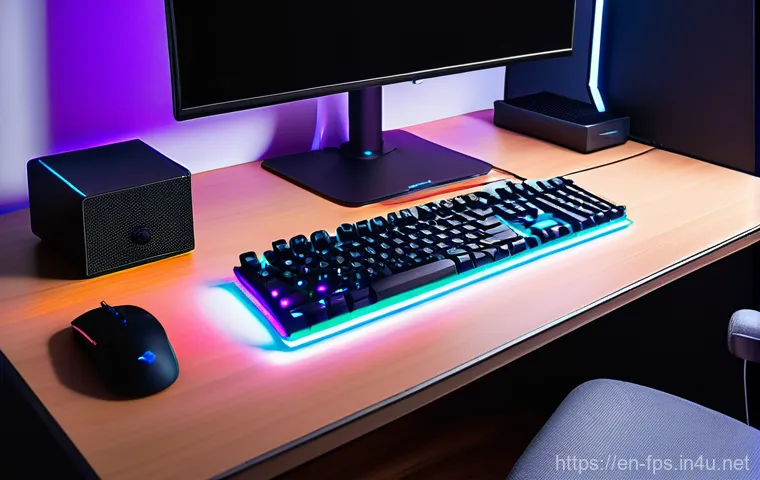
Beyond the hardware, the software side of your audio setup can make a huge difference. Many gaming headsets come with their own dedicated software that allows you to tweak equalizer settings, enable virtual surround sound, and even adjust mic monitoring.
I’ve spent hours experimenting with EQ profiles, boosting certain frequencies to make footsteps more prominent while dialing back explosions just a touch to avoid sensory overload.
It’s all about finding that balance that gives you the best auditory information without fatiguing your ears. In-game audio settings are just as important; ensure you’ve got your master volume at a comfortable level and any specific audio mixes are optimized for competitive play, often prioritizing effects like footsteps over music or voice lines.
I’ve even found that disabling certain Windows audio enhancements can sometimes provide a cleaner, more raw audio feed directly from the game.
Cable Chaos to Command Center: Taming the Wires
Okay, let’s be real: nobody likes a tangled mess of cables. I used to have a veritable spaghetti junction behind my desk, and it wasn’t just an eyesore; it was a constant source of frustration.
Every time I needed to plug in a new peripheral or move my PC, it was a battle against a snarled knot of wires. Effective cable management isn’t just about aesthetics; it drastically improves airflow, prevents accidental disconnections, and makes your entire setup feel more organized and professional.
A clean desk translates to a clear mind, allowing you to focus purely on the game without any visual distractions or worries about snagging a cable during a crucial mouse flick.
I’ve found that spending a little time upfront to sort out your cables saves you so much headache down the line. It’s a small effort for a huge payoff in terms of both functionality and peace of mind, genuinely making your space feel like a true command center.
Strategic Routing for a Seamless Look
My approach to cable management usually starts with gathering everything. I use cable ties, Velcro straps, and even adhesive cable clips to neatly route wires along the back of my desk or down the legs.
Investing in a good cable management tray or channel that attaches to the underside of your desk can hide a multitude of sins and keeps everything off the floor.
I typically bundle cables for specific components together – all monitor cables, all PC peripheral cables – and then route those bundles strategically.
This not only looks much cleaner but also makes it incredibly easy to identify and troubleshoot a specific cable if needed. The goal is to minimize visible wires on your desk and create a clean, uncluttered look that won’t distract you during intense gaming moments.
Trust me, the feeling of a clean desk is almost as satisfying as a clutch ace!
Powering Up Smart: Surge Protectors and USB Hubs
Beyond just tidying, smart power management is key. A good surge protector is non-negotiable for protecting your expensive gaming rig from power spikes.
I always make sure mine has enough outlets for all my peripherals and then some, just in case I decide to add something new. Placing it in an easily accessible but hidden spot, perhaps tucked away in a cable tray, is ideal.
For USB peripherals, especially if you have a lot of them, a powered USB hub can be a lifesaver. This prevents your PC’s USB ports from being overloaded and ensures all your devices receive stable power, preventing those annoying intermittent disconnections.
I’ve found that a hub mounted discreetly under my desk or on the side of my monitor stand keeps my desktop free of clutter and provides convenient access for charging my headset or plugging in a thumb drive.
It streamlines everything, letting you focus on the game.
Ambiance Amplified: Lighting and Personal Touches
While raw performance is paramount, the overall vibe and aesthetic of your gaming space play a massive role in your immersion and long-term enjoyment.
I’ve learned that a well-lit and personalized environment can significantly enhance your mood and focus, transforming your desk from just a functional area into a genuine sanctuary.
There’s something undeniably awesome about having your setup bathed in a cool blue glow or a fiery red to match your in-game faction. It’s not just about looking good for your stream; it’s about creating a personal bubble where you can truly escape and lose yourself in the game.
I’ve spent countless hours tweaking my RGB lighting, adding small personal touches, and making sure my space reflects my personality. This kind of attention to detail contributes immensely to overall satisfaction and can even reduce eye strain when done correctly.
Setting the Mood with Smart Lighting
RGB lighting isn’t just for show; it can actually enhance your gaming experience. I use bias lighting behind my monitor to reduce eye strain, especially during late-night sessions.
A warm, diffused light can make staring at a bright screen for hours much more comfortable. Beyond that, smart LED strips or smart bulbs can be synchronized with your games or audio, creating dynamic lighting effects that respond to the action.
I’ve experimented with different color schemes depending on the game I’m playing – cool blues for a sci-fi shooter, warm oranges for a fantasy RPG. It truly pulls you deeper into the world and adds another layer of immersion.
The key is to avoid harsh, direct lighting that creates glare on your screen. Subtlety and diffusion are your friends here, crafting an atmosphere that feels both professional and intensely personal, a perfect blend for an extended gaming spree.
Decluttering for a Focused Mindset
A clean desk equals a clear mind, and I stand by that wholeheartedly. I used to have trinkets, empty snack wrappers, and random papers strewn across my desk, and I’d often find my eyes darting to them, pulling my focus away from the game.
Now, I make it a point to keep my gaming surface as clear as possible. A minimalist approach helps eliminate visual distractions and creates a sense of calm that’s surprisingly beneficial during high-pressure moments.
Designate specific spots for your essentials – headset stand, controller holder, maybe a small plant for a touch of green. Regularly wiping down surfaces and organizing anything that can be put away ensures that when you sit down to game, your focus is entirely on the screen.
It’s not just about hygiene; it’s about creating a zen-like zone where nothing can break your concentration. Trust me, a tidy desk makes a huge difference in mental clarity.
글을마치며
After diving deep into all these aspects, from the very chair you settle into to the precise angle of your monitor and the subtle glow illuminating your space, I truly hope you’re now seeing that optimizing your gaming setup is a much more holistic journey than just chasing the highest specs.
It’s profoundly personal, about creating a synergy between yourself and your digital battlefield. For me, it wasn’t an overnight transformation; it was a gradual process of trial, error, and discovery, learning what truly makes a difference in those split-second decisions and marathon gaming sessions.
It’s not about buying the most expensive gear available, but rather about making informed, conscious choices that genuinely support your body, sharpen your mind, and ultimately, elevate your in-game performance in a sustainable way.
Every single tweak, every thoughtful adjustment, and every piece of carefully chosen equipment builds towards a more immersive, comfortable, and fiercely competitive experience.
This isn’t just about avoiding pain or looking cool; it’s about unlocking your full potential. I’ve genuinely loved sharing my personal journey and all the little insights I’ve gathered along the way with you all, and I sincerely hope you find some of these tips useful in crafting your own ultimate gaming sanctuary.
알아두면 쓸모 있는 정보
1. Regular breaks are absolutely non-negotiable, even if you’ve got the most ergonomically perfect setup imaginable. I used to power through for hours, thinking I was tough, but all it did was lead to fatigue and sloppy play. Now, I make it a point to step away every 45-60 minutes, even if it’s just for five minutes to stand up, stretch my limbs, and give my eyes a much-needed break from the intense screen action. It’s astonishing how much clearer your mind feels and how much sharper your reflexes become after a brief reset. Think of it as a tactical pause for your body and mind – a quick pit stop to ensure you’re performing at peak capacity when it truly counts, rather than burning out. Your long-term health and your K/D ratio will genuinely thank you for it, trust me!
2. Never, ever be afraid to experiment with your setup. What works for that viral streamer or a professional esports player might not necessarily be the magic formula for you, and that’s perfectly okay! My journey involved countless minor adjustments to my mouse DPI, keyboard tilt, and even monitor brightness until I found that sweet spot that felt uniquely mine. Take the time, even if it feels tedious, to fine-tune every single setting and peripheral placement until they feel utterly natural and intuitive for *your* specific grip style, reaction patterns, and overall playstyle. Your gaming experience is deeply personal, and only you can discover what truly maximizes your comfort and performance. Don’t just copy-paste; personalize and optimize!
3. Keep your drivers updated, people! This might sound like a super basic tip, but you’d be surprised how many times I’ve seen performance hiccups or weird glitches traced back to outdated software. Your GPU, peripheral, and even monitor drivers are constantly being refined by manufacturers to offer performance improvements, critical bug fixes, and better compatibility. Making it a habit to check for updates every month or so, perhaps as part of your regular PC maintenance routine, can genuinely save you from unexpected in-game issues, framerate drops, or input lag. It’s a small effort with a potentially huge payoff in maintaining a smooth, reliable, and high-performing system, ensuring you’re always ready for action.
4. Consider incorporating a blue light filter into your routine, especially if you’re a night owl gamer like myself. Staring at bright screens for extended periods, particularly in the evening, can really mess with your eyes and your sleep cycle. Whether you use a built-in monitor setting, software like f.lux which dynamically adjusts your screen’s color temperature, or even invest in a pair of quality blue light filtering glasses, reducing that harsh blue light exposure can make a remarkable difference. I personally noticed a significant reduction in eye strain and found myself falling asleep much more easily after I started implementing this. It’s a subtle change that contributes immensely to your overall well-being and allows for more comfortable, prolonged gaming sessions.
5. And for the love of all that is holy, clean your gear regularly! It sounds mundane, but dust, grime, and even tiny crumbs can quickly build up in your mouse sensor, keyboard switches, and headset, directly impacting their performance and lifespan. A sticky key, an inconsistent mouse scroll wheel, or muffled headset audio can be incredibly frustrating and detract from your precision. I make it a habit to do a quick wipe-down of my desk and peripherals a few times a week, and a deeper clean once a month. A clean setup not only looks fantastic and professional but, more importantly, ensures that your essential gaming tools are performing at their absolute best, without any unwelcome hitches or tracking issues. It’s part of treating your instruments with respect!
중요 사항 정리
In wrapping things up, the core message I really want to convey is that your gaming setup is far more than just a collection of gadgets; it’s a meticulously crafted extension of your competitive will and personal sanctuary. Prioritizing proper ergonomics, from an adjustable chair to ideal desk and monitor heights, is paramount for staving off fatigue and consistently sharpening your reaction times, keeping you in the zone longer. A high refresh rate monitor isn’t a luxury; it’s a necessity for catching every single visual cue and gaining that crucial split-second advantage. Your choice of peripherals – a precise mouse and responsive mechanical keyboard – directly dictates the accuracy and immediacy of your in-game commands. Furthermore, superior positional audio provided by a quality headset offers indispensable tactical information, allowing you to anticipate and react before your opponents even know you’re there. Don’t ever underestimate the impact of a well-managed, clutter-free cable setup for mental clarity, or the subtle but powerful enhancement of ambient lighting and personal touches to truly amplify your immersion. Every single element, no matter how seemingly minor, contributes significantly to your overall gaming experience, your sustained comfort, and ultimately, your potential for unparalleled success on the digital battlefield. It’s all about playing smarter, not just harder!
Frequently Asked Questions (FAQ) 📖
Q: What’s the absolute best way to set up my monitor for peak gaming comfort and performance, especially during those epic, hours-long raids?
A: Oh man, this is a question I get all the time, and for good reason! I used to have my monitor way too low, craning my neck like a confused giraffe, and trust me, that pain after a few hours?
Not worth it. My personal breakthrough came when I realized monitor placement isn’t just about what looks good, it’s about what feels good and keeps you in the zone.
Here’s my golden rule: the top of your monitor screen should be roughly at eye level, or just slightly below. Seriously, this tiny adjustment can prevent so much neck and shoulder strain.
I swear by an adjustable monitor arm – it was one of the best investments I ever made for my setup. It gives you incredible flexibility to pull your monitor closer during intense FPS moments or push it back for a more relaxed RPG session.
You want to be about an arm’s length away from the screen, maybe a touch closer if you have a smaller monitor. And don’t forget about tilt! A slight upward tilt can reduce glare and improve visibility.
Experiment with it; you’ll be amazed at how a few degrees can make all the difference. Remember, comfort directly impacts focus, and focus equals better performance.
Q: Beyond just the monitor, what are some of the most overlooked ergonomic tweaks that can actually give me a competitive edge and prevent fatigue?
A: Okay, this is where we separate the casual players from the serious contenders! While the monitor is huge, your entire ergonomic triangle – your chair, keyboard, and mouse – is your unsung hero.
I’ve personally battled wrist pain from poor mouse positioning and backaches that made me want to quit gaming altogether. My secret weapon? A good ergonomic chair with lumbar support.
It’s not just about looking cool; it’s about supporting your spine through those intense clutch moments. I can’t stress this enough: invest in a decent chair.
Next, think about your keyboard and mouse. Your forearms should be roughly parallel to the floor, and your wrists should be straight, not bent up or down.
I found a fantastic wrist rest for my keyboard that literally saved my wrists. For your mouse, try a larger mousepad so you’re not constantly hitting the edges, and make sure your mouse sensitivity is dialed in so you’re not over-extending your arm.
Some gamers even swear by vertical mice, but that’s a personal preference. What really made a difference for me was realizing that every component should feel like an extension of my body, not something I have to adapt to.
It’s all about minimizing wasted motion and maximizing comfort so your brain can focus 100% on the game, not on a nagging ache.
Q: My setup looks like a spaghetti monster exploded! How can I wrangle all these cables and keep my gaming space looking sleek and professional, without sacrificing functionality?
A: Ah, the infamous “cable monster”! Believe me, I’ve waged many wars against this beast in my own battle station, and I’ve finally come out victorious. Nothing ruins the vibe of a killer setup faster than a tangled mess of wires, right?
My biggest epiphany was realizing that good cable management isn’t just for aesthetics; it actually helps with airflow, prevents accidental disconnections, and makes cleaning a breeze.
Here’s my personal playbook: First, zip ties and Velcro straps are your best friends. Seriously, buy them in bulk. I use Velcro because it’s reusable and flexible for when I inevitably swap out peripherals.
Second, consider a cable management tray or channel that mounts under your desk. This was a game-changer for me. It lifts all those unsightly power bricks and excess cable slack off the floor, making everything look so much cleaner.
Third, label everything! Especially if you have a complex setup with multiple monitors, audio interfaces, and peripherals. A tiny label on each end of a cable saves you so much headache down the line.
Lastly, embrace the power of wireless peripherals where it makes sense. My wireless headset and mouse significantly reduced the cable clutter, and honestly, the performance is just as good, if not better, these days.
It’s all about creating a clean, distraction-free environment that lets your gear shine and keeps you focused on the action.