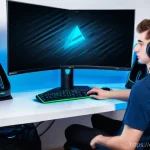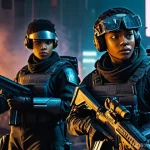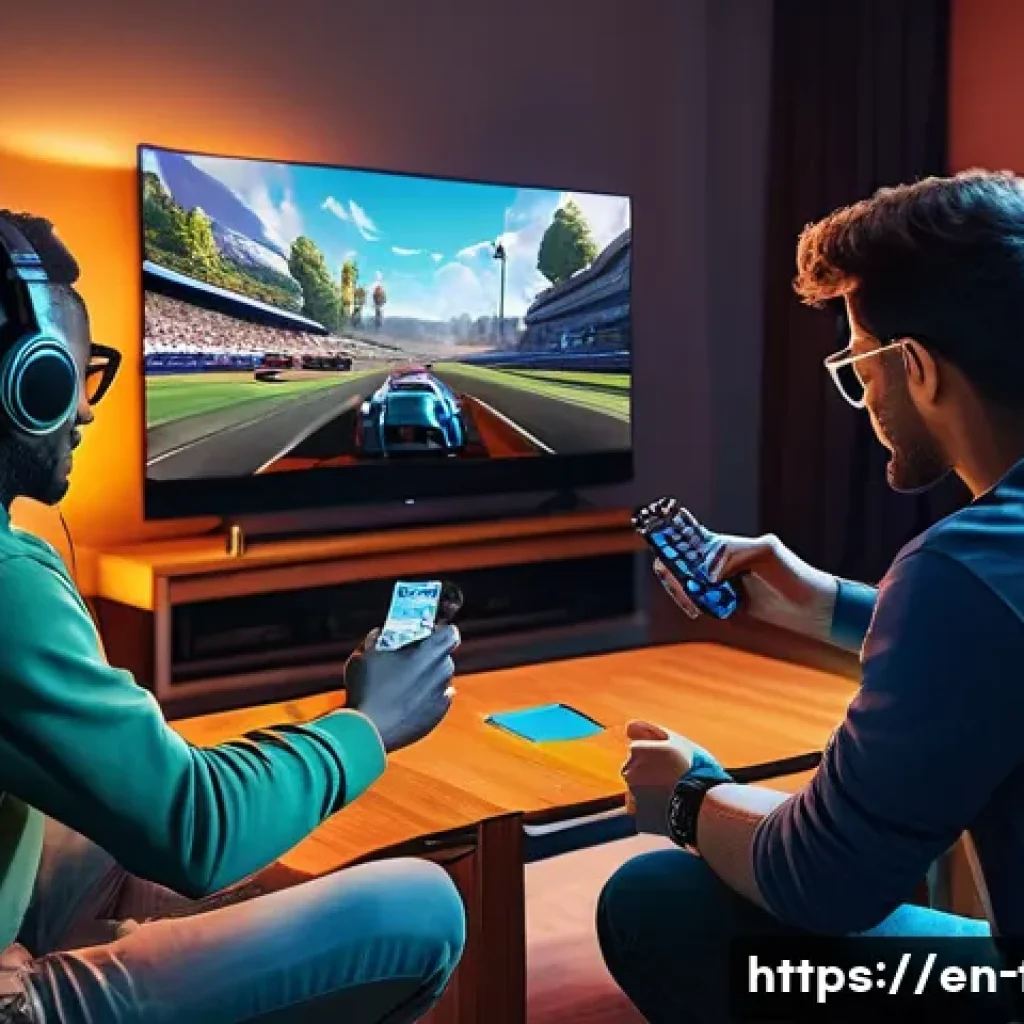
There’s something truly special about gathering your friends in the same room for a fast-paced, local multiplayer FPS showdown. Unlike online matches, local play offers instant reactions, shared laughter, and that electric energy you just can’t replicate through a screen.
Whether you’re teaming up or facing off, these games bring a unique blend of competition and camaraderie that keeps everyone hooked. Plus, with advancements in gaming tech, local multiplayer FPS titles now boast stunning graphics and smoother gameplay than ever before.
If you’re curious about which games deliver the best local multiplayer experience and how to get started, we’ll break it all down for you in the sections ahead.
Let’s dive in and explore the world of local multiplayer FPS games!
Choosing the Perfect Local Multiplayer FPS for Your Game Night
Understanding What Makes a Great Local FPS
When it comes to local multiplayer FPS games, the magic lies in how well the game balances fast-paced action with accessible controls. From my experience, a great local FPS should be easy to pick up yet hard to master, ensuring that both newcomers and veterans can jump in without feeling overwhelmed.
Smooth frame rates and clear visual feedback are crucial because split-second decisions often decide the winner. Also, the game’s design should encourage interaction—whether that’s through team strategies or friendly rivalries—because that’s what turns a simple match into an unforgettable experience.
I’ve noticed that games with varied maps and diverse weapon choices tend to keep everyone engaged longer, preventing the gameplay from getting stale.
Popular Titles That Shine in Local Multiplayer
There are a handful of standout FPS games that consistently deliver a fantastic local multiplayer experience. Titles like “Halo: The Master Chief Collection” have become staples, offering tight controls and a balanced arsenal that keeps the competition fierce.
On the other hand, “Splitgate” has impressed me with its unique portal mechanics, adding a fresh twist that’s perfect for groups wanting something different.
Then, classics like “GoldenEye 007” on the N64 still hold a special place in many hearts, proving that a great local FPS doesn’t need the latest graphics to be memorable.
What’s cool is that many of these games support split-screen or LAN play, making setup easy and hassle-free.
Hardware and Setup Tips for Seamless Gameplay
Nothing kills the vibe faster than lag or technical hiccups during a heated match. From what I’ve tried, investing in a good-quality router or using a wired connection for LAN play drastically improves latency, giving you that crisp, responsive feel.
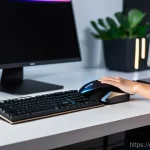
Also, setting up multiple controllers or keyboards can be a chore if you’re not prepared, so planning ahead helps. I usually recommend having a dedicated gaming space with comfortable seating and screens positioned so everyone can see without straining their necks.
Pro tip: using a monitor with a high refresh rate really makes a difference in fast FPS games, giving you smoother animations and better reaction times.
Strategies to Elevate Your Local FPS Experience
Mastering Team Dynamics
One of the best things about local multiplayer FPS games is the social interaction, and that extends to team play. Based on my experience, communication is key—whether it’s calling out enemy positions or coordinating attacks.
Games that include voice chat or quick communication options really shine here. Even simple gestures or pre-set commands can make a huge difference. For casual get-togethers, I’ve found that mixing experienced players with newcomers keeps the teams balanced and fun, preventing frustration and encouraging everyone to learn from each other.
Plus, sharing a victory or a close loss makes the whole event more memorable.
Adapting to Different Playstyles
Everyone brings their own flair to FPS games, and local multiplayer lets you see that up close. Some friends I play with prefer rushing head-on with shotguns, while others camp and snipe from a distance.
What’s fascinating is how these styles clash and complement each other, creating dynamic matches. I’ve learned that switching your own playstyle mid-game can throw off opponents and keep things unpredictable.
It’s also a neat way to practice different skills. Games that offer a variety of weapons and perks let you experiment more freely, which adds layers of strategy beyond just aiming and shooting.
Keeping the Energy High with Fun Variations
If you’ve ever played local FPS games, you know that sticking to the standard deathmatch mode can get repetitive. To keep the energy alive, I like to introduce custom rules or mini-challenges—like pistol-only rounds, no radar, or timed respawns.
These tweaks often lead to hilarious moments and test your adaptability. Some games even have built-in modes that encourage this kind of playful experimentation.
It’s amazing how much these small changes can revive a session and keep everyone laughing and engaged, especially during longer game nights.
Technical Insights: What to Look for in Game Performance
Graphics and Frame Rate Considerations
When playing local multiplayer FPS, a smooth visual experience is non-negotiable. I’ve noticed that games running at 60 frames per second or higher feel noticeably better during intense firefights.
Lower frame rates can cause input lag, which is frustrating when you’re trying to react quickly. On the graphics side, while ultra-realistic visuals are nice, clarity trumps flashiness in these games.
You want to easily spot enemies and environmental cues without distraction. Many recent games strike a good balance, offering stunning visuals that don’t compromise performance.
Latency and Input Lag Explained
Latency isn’t just an online concern; it matters in local play too. Input lag—the delay between pressing a button and seeing the action on screen—can ruin the experience.
This is often tied to your display and controller quality. From personal trials, using wired controllers and gaming monitors with low input lag noticeably improves gameplay fluidity.
Some TVs and monitors have “game mode” settings that reduce processing delays, which I highly recommend enabling. The smoother the controls feel, the more immersed you become, making every shot count.
Compatibility and Cross-Platform Support
Another factor I always check before setting up a local multiplayer session is the game’s compatibility across platforms. Some FPS titles allow cross-play between consoles and PCs, which broadens your friend group options.
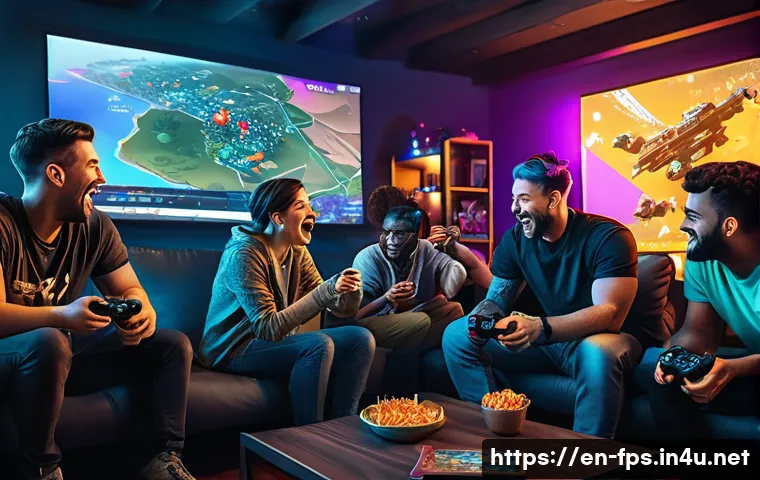
That said, not all support local play across different devices, so it’s worth verifying beforehand. I’ve found that games with simple plug-and-play setups reduce downtime and keep the momentum going.
Plus, knowing your game supports various controllers and input devices makes the experience more inclusive.
Customizing Your Local FPS Sessions for Maximum Fun
Adjusting Game Settings for Your Group
Every group has its own pace and style, so tweaking game settings can make a world of difference. I usually start by adjusting match length, respawn times, and weapon availability to suit the skill level and preferences of the players.
For example, longer respawn delays add tension and encourage tactical play, while shorter rounds keep the action nonstop. Some games even let you customize map rotations or set special rules like friendly fire on or off.
Spending a few minutes on these tweaks before starting has always paid off by keeping the session lively and fair.
Creating Themed Game Nights
Adding a theme to your local multiplayer night can turn an ordinary session into a memorable event. I’ve hosted “classic FPS” nights where we dive into retro shooters, or “sniper only” challenges that test patience and precision.
Themes encourage players to try new strategies and make the atmosphere more festive. You can even add snacks or prizes related to the theme for extra motivation.
It’s a simple way to keep everyone excited and coming back for more, especially when you mix it up regularly.
Using External Tools to Enhance Interaction
Sometimes, a little tech boost can elevate local multiplayer sessions. I’ve used apps that generate random game modes or challenges, which add an element of surprise and keep things fresh.
Voice chat apps or party mixers help when the room gets noisy, ensuring everyone hears important calls. For larger groups, setting up a scoreboard or tournament bracket on a tablet or laptop adds structure and friendly competition.
These small additions create a more engaging environment and help maintain high energy throughout the night.
Comparing Top Local Multiplayer FPS Games at a Glance
| Game Title | Platform(s) | Max Local Players | Unique Feature | Recommended Setup |
|---|---|---|---|---|
| Halo: The Master Chief Collection | Xbox, PC | 4 (split-screen), up to 16 (LAN) | Iconic maps and balanced gameplay | Wired controllers, 60+ FPS monitor |
| Splitgate | PC, Xbox, PlayStation | 4-8 (split-screen varies) | Portal mechanics in FPS | Strong router or LAN, fast SSD |
| GoldenEye 007 (N64) | Nintendo 64 | 4 | Classic FPS nostalgia | Original controllers, CRT or low-lag display |
| Call of Duty: Black Ops Cold War | PC, Xbox, PlayStation | 4 (split-screen) | Modern graphics, customizable modes | High refresh rate monitor, wired controllers |
| Overcooked! (FPS mods) | PC, consoles | 4+ | Fun, chaotic FPS-style mods | Comfortable seating, multiple controllers |
Building Lasting Memories Through Local FPS Gaming
Why Local Multiplayer Creates Stronger Bonds
Playing FPS games together in the same room brings a level of connection that online matches rarely achieve. I’ve seen how laughter erupts over unexpected fails or clutch plays, creating inside jokes and memories that last far beyond the game itself.
The immediacy of reactions and shared emotions make every victory sweeter and every defeat a story to tell. It’s the kind of experience that turns casual gaming into a social event, strengthening friendships and sometimes even sparking new ones.
Sharing Tips and Improving Together
Another rewarding aspect of local play is the opportunity to learn from one another. I’ve found that playing side-by-side lets you pick up on subtle tactics and techniques that might be missed online.
Watching a friend’s approach or sharing advice in real time accelerates skill development and makes the whole group better. Plus, it’s more fun to celebrate improvements and milestones face-to-face, which keeps motivation high and the atmosphere supportive.
Capturing the Fun for Later
If you want to extend the enjoyment, recording your local multiplayer sessions can be a blast. Whether it’s funny moments, epic plays, or intense rivalries, having video clips to look back on adds another layer to the experience.
I often set up a simple capture device or use built-in recording features on consoles to save highlights. Sharing these clips later on social media or just among friends keeps the excitement alive and gives everyone something to reminisce about until the next game night.
Wrapping Up
Local multiplayer FPS games offer more than just fast-paced action—they create unforgettable moments filled with laughter, friendly competition, and connection. Whether you’re a seasoned player or just starting out, the right game, setup, and strategies can turn any gathering into an epic game night. Embrace the variety, customize your sessions, and most importantly, enjoy the shared experience with friends and family.
Handy Tips to Remember
1. Choose FPS games that balance easy controls with depth to keep all players engaged and having fun.
2. Invest in quality hardware like wired controllers and high-refresh-rate monitors to minimize input lag and improve gameplay.
3. Mix up game modes and introduce custom challenges to keep sessions fresh and exciting.
4. Communication and teamwork elevate the experience, so encourage clear calls and cooperation.
5. Capture memorable moments to relive the fun and share with your gaming circle later.
Key Takeaways
Successful local multiplayer FPS sessions hinge on smooth performance, accessible gameplay, and social interaction. Prioritize games that support flexible setups and cross-platform play to include everyone. Prepare your space and equipment thoughtfully to reduce technical hiccups. Finally, remember that the heart of local gaming lies in building connections and creating shared memories beyond just winning or losing.
Frequently Asked Questions (FAQ) 📖
Q: What are the best local multiplayer FPS games for a fun group session?
A: From my experience, titles like “Halo: The Master Chief Collection,” “Call of Duty: Black Ops Cold War,” and “Overcooked FPS mods” really shine when playing locally with friends.
These games offer smooth gameplay and balanced mechanics that keep everyone engaged, whether you’re teaming up or battling head-to-head. Plus, they support multiple controllers seamlessly, making setup a breeze.
If you’re looking for variety, “Splitgate” is also fantastic with its portal mechanics adding a fresh twist to the classic shooter formula. Honestly, these games create an atmosphere filled with laughter, trash talk, and those unforgettable clutch moments you just can’t get online.
Q: How do I set up a local multiplayer FPS session without any technical headaches?
A: Setting up local multiplayer sessions can be surprisingly easy if you keep a few things in mind. First, make sure your console or PC supports multiple controllers or input devices—most modern systems do.
Next, check if the game requires split-screen or separate screens; split-screen is great for couch play but needs a bigger TV or monitor. I recommend having a stable power source and enough space for everyone to sit comfortably around the screen.
Also, update the game beforehand to avoid long downloads while friends are waiting. In my experience, having snacks and drinks ready helps keep the mood light and everyone energized through those intense rounds.
Q: Why is local multiplayer FPS gameplay often more enjoyable than online matches?
A: There’s something about the physical presence of friends that amps up the fun factor in local multiplayer FPS games. You get immediate reactions—high fives, groans, and laughter—that just don’t translate through online voice chat.
I’ve noticed that the energy in the room keeps everyone more engaged and less likely to rage quit. Plus, local play eliminates lag and connection issues, so the gameplay feels smoother and more responsive.
It’s also easier to communicate and coordinate strategies when you’re all in the same room. Overall, local multiplayer creates a social experience that’s as much about the shared moments as it is about the competition.